We reviewed the current state of your Modern Campus CMS. This included looking through subdirectories and department sites, plus considering templates, pages, components, assets, and users.
We also considered CMS alternatives, and evaluated the systems used by competitor sites.
Jump to Recommendations
CMS Evaluation
The journey through the CMS kind of felt like taking a tour of grandpa’s garage.
That’s not meant to be an insult... there’s a lot of cool stuff in there!
But it’s definitely the product of many years of development. The collection of useful things over time. The mix of useful tools together in a bucket with leftover bespoke parts from an old project.
And there’s definitely someone, somewhere who can tell you what’s inside every container or drawer, how it got there, why it remains. Maybe for a good reason.
But it’s not a functional workspace for a large, independent group.
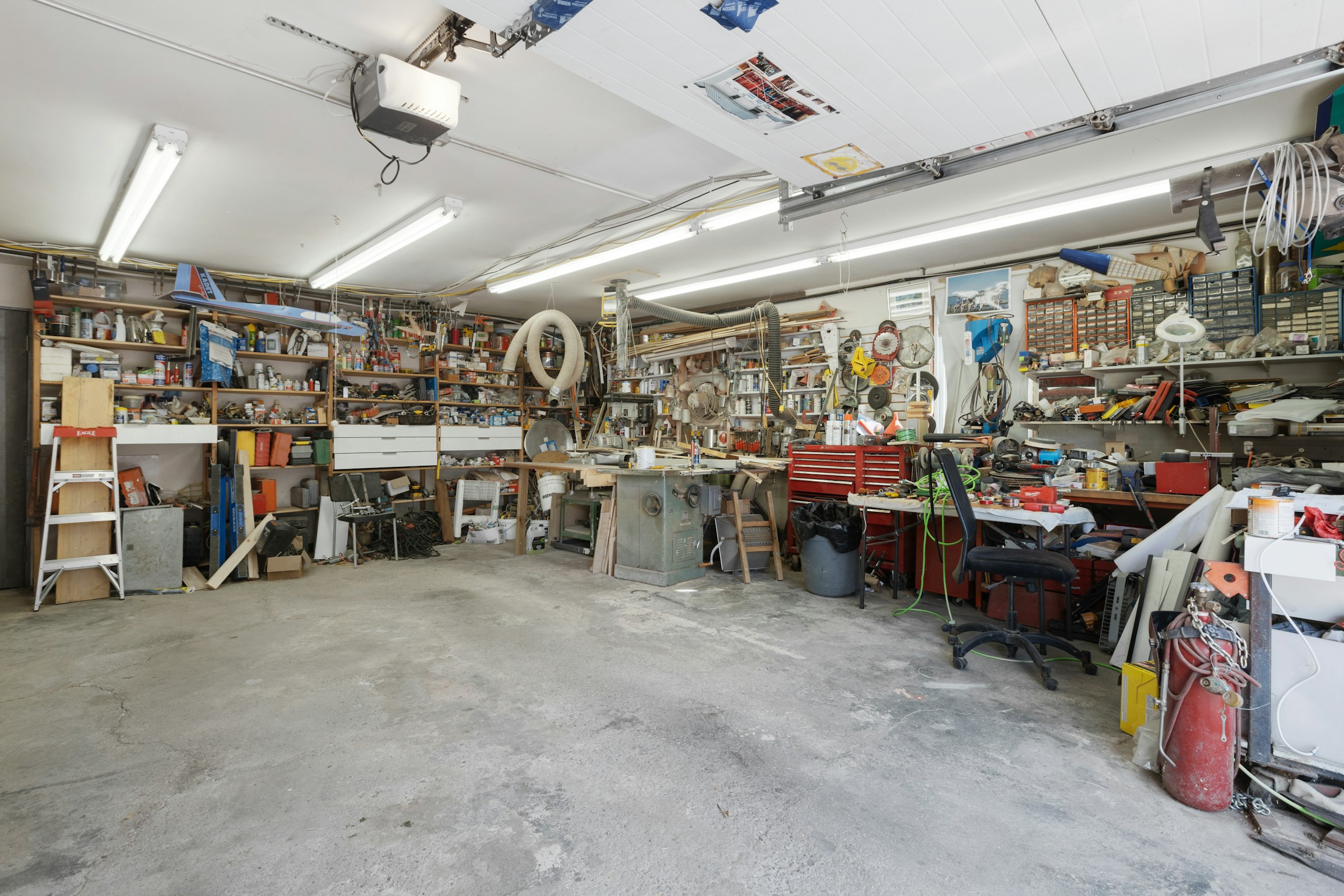
Our goal should be to start thinking of the CMS as the hardware store, not the home workshop.
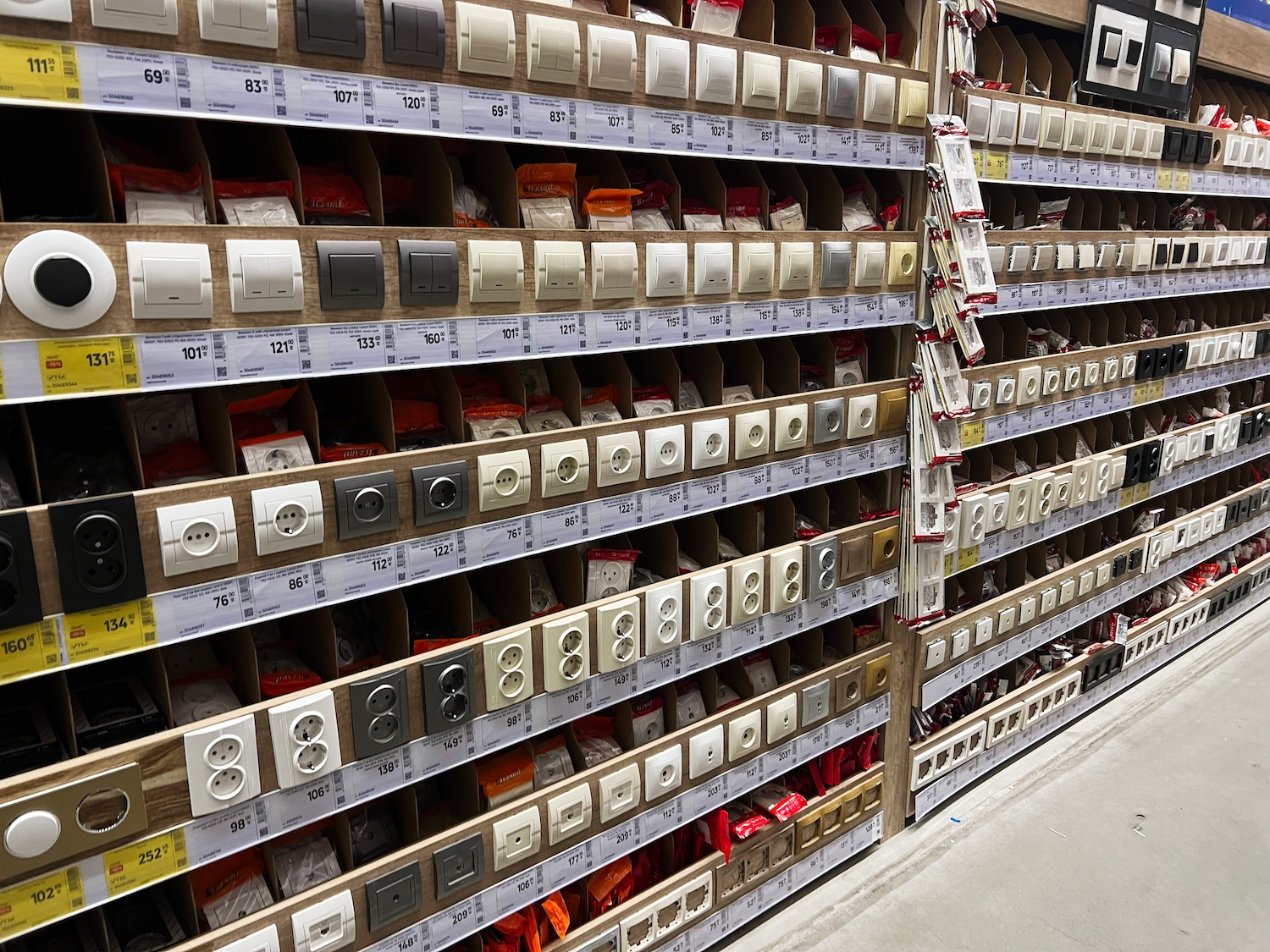
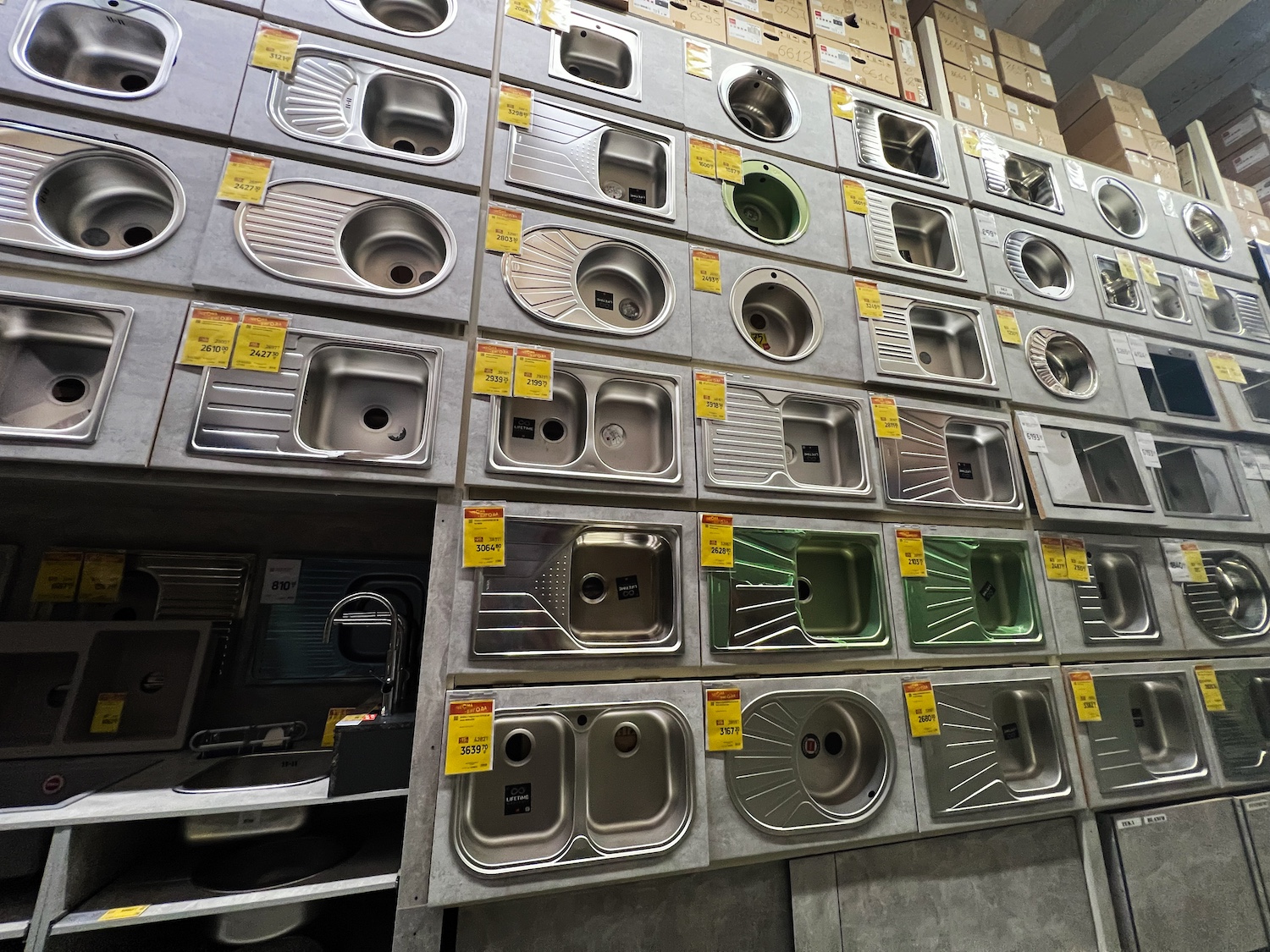
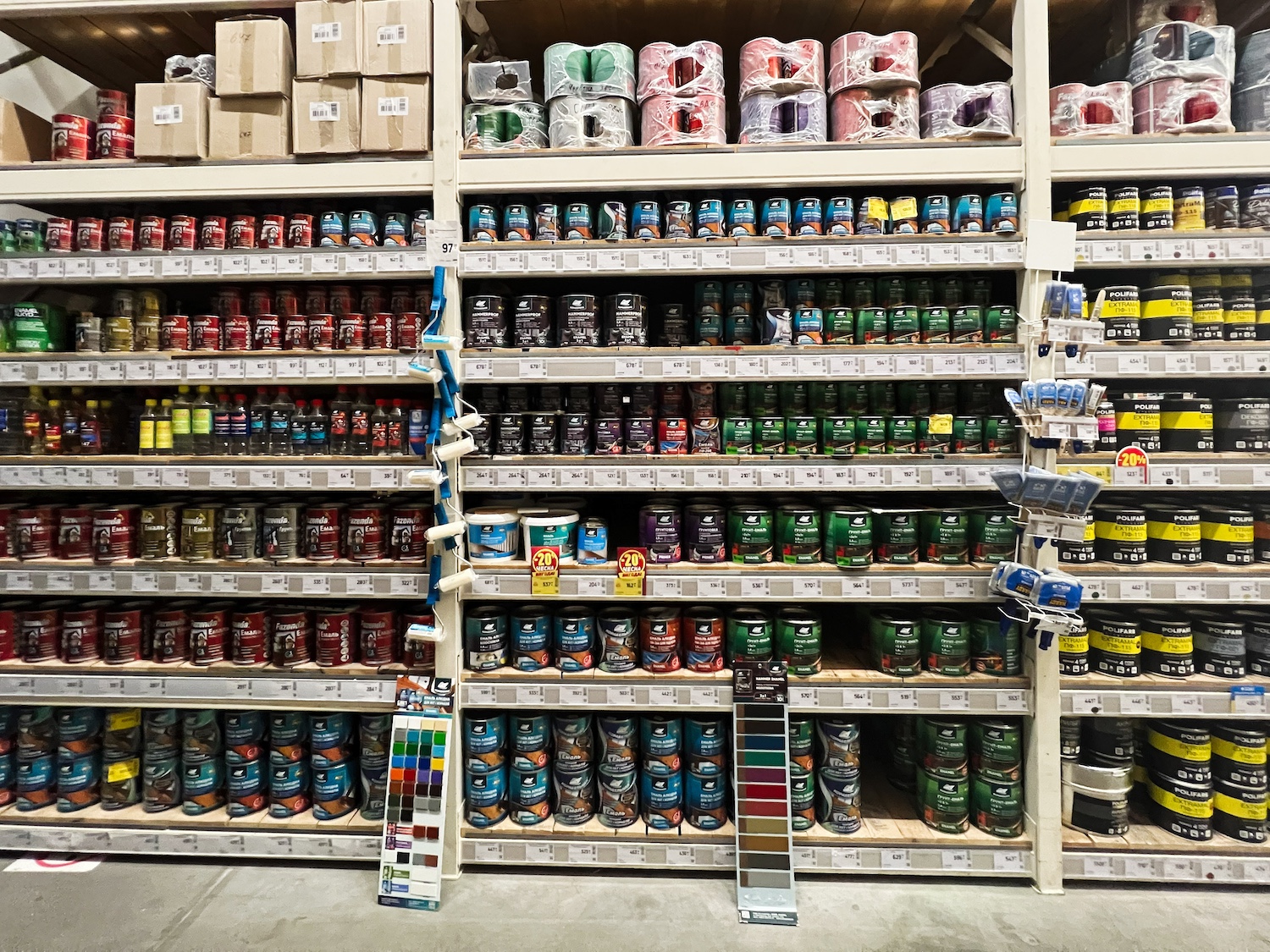
At the hardware store, all the tools and parts you need to build your project are organized into sections with relevant items together. There are big, modular pieces you can drop in quickly, or small parts that can be assembled for more custom solutions. The items in the store are packaged with instructions that guide the installer on how and where assemble, how to use safely, and where to go for help.
There are certainly lots of tech tools that can help you achieve this, but this issue is more about governance than tech stack. Any CMS can have this problem.
CMS Assessment
Among 19 competitor sites, the CMS field is fairly small. Almost all competitor sites use Modern Campus, Hannon Hill Cascade, Drupal, or WordPress.
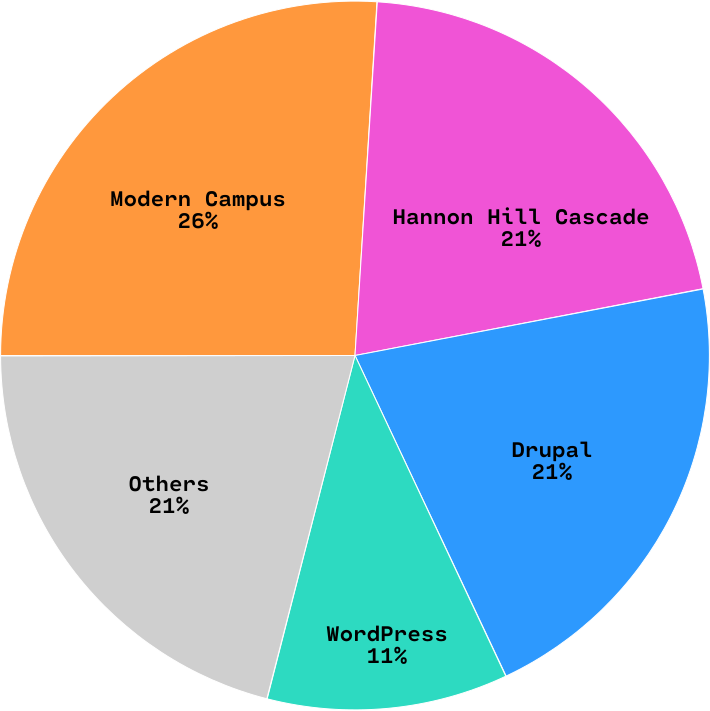
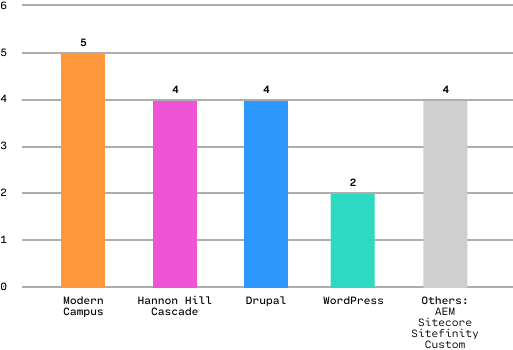
We took the top four most common CMS vendors and did a detailed audit of features and requirements.
CMS Assessment


Modern Campus and Cascade are very similar in features, structure, and user experience. Given your team’s immense existing background in Modern Campus, there’s no strategic reason to consider Cascade. It would be a disruptive change with little to no gain.
Likewise, Drupal and WordPress are similar. They’re both well-supported, well-documented, scalable, and open-source. WordPress is a great choice for large editorial websites, but provides less fine-tuned control than Drupal. Based on TTU’s history, structure, and culture, Drupal is a better fit than WordPress for TTU on the open-source side.
Drupal is really, really good at handling complex data relationships in big websites. There’s a reason you’ll see it used in lots of large projects. If you did switch to a new CMS, Drupal is what we’d recommend. That being said, Drupal is much more open-ended than Modern Campus, and must be architected with care to be successful. We recommend test-driving Drupal on a microsite or small project before committing to a full rebuild.
Given your team’s familiarity and history with Modern Campus, it’s hard to make a reasonable argument against keeping it. We’d recommend switching only if Modern Campus failed to meet your technological goals.
CMS Assessment
1. Leverage Taxonomy Tags
There are currently 2,000+ tags in the system now. Use these strategically: administrate their creation and use. Build a meaningful term hierarchy, then use it to find and serve content.
2. Start Organizing Assets & Components
The current CMS has 299 assets and 129 components. That's not necessarily a lot, especially for a site this size, but many are named and associated with specific sites and aren't for general use.
Weed components with duplicate purpose/functionality. Generalize specific assets and components. Decouple assets and components from specific sites, and associate with features. For example, revise “College of Engineering CTA” to “CTA with [feature]." Encourage the use of assets and components amongst web editors on all sites, and use them to model DRY (don't repeat yourself) habits.
3. Review Users & Groups
There are currently 828 CMS users in 924 groups. Almost all users have Level 8 / “Designer” access to the CMS. Could we leverage the other levels to support enforcement of web standards? Are groups being utilized effectively? The group-to-user ratio seems off.
Given your team’s familiarity and history with Modern Campus, it’s hard to make a reasonable argument against keeping it. We’d recommend switching only if Modern Campus failed to meet your technological goals.
If you did switch to a new CMS, Drupal is likely the best alternative. We recommend test-driving Drupal on a microsite or small project before committing to a full rebuild.